
Technology guide · Cloud Desktop · Updated November 2026
Azure Virtual Desktop
A guide for business owners and IT leads: what Azure Virtual Desktop is, how it fits together, what whedo.it sets up and runs, what it costs to operate, and how a move to AVD works.
1. What Azure Virtual Desktop is
Azure Virtual Desktop (AVD) is Microsoft's desktop and application virtualisation service in Azure. Windows desktops and applications run on virtual machines (session hosts) in Microsoft's data centres, and users reach them from almost any device. Only the screen, keyboard and mouse travel over the network, so the business data stays in Azure.
Unlike a traditional Remote Desktop Services farm, there are no gateway or broker servers to build and patch. Users connect through reverse connections to the service, so no inbound ports need opening. What remains to manage is the image and the session host virtual machines, which is where whedo.it comes in.
The short version: one standard desktop, in Microsoft's Australian cloud, that your staff can reach from the office, home, a regional branch or the road. whedo.it designs it, builds it, runs it with Nerdio and supports your people.
2. How it fits together
| Component | What it does |
|---|---|
| Host pool | A group of session host virtual machines that share the same configuration and serve the same users. |
| Session hosts | The Azure virtual machines users work on. Windows 11 Enterprise multi-session lets several users share one host. |
| Application groups | Either a full desktop, or a RemoteApp group that publishes individual applications. Users assigned to a RemoteApp group see those apps as normal applications. |
| Workspace | What users subscribe to in Windows App; it lists the desktops and apps assigned to them. |
| Windows App | The client for Windows, macOS, iOS/iPadOS, Android/ChromeOS and web browsers. |
| FSLogix profile containers | Each user's Windows profile is kept in a container on network storage (Azure Files) and mounted at sign-in, so settings follow the user from host to host. |
| Nerdio | The management platform whedo.it uses to deploy, scale and maintain AVD across client environments from one dashboard. |
3. Who looks after what
| Microsoft provides | whedo.it configures and runs |
|---|---|
| The AVD service itself: connection and access infrastructure, with no gateway or broker servers for you to run | Host pools, session hosts, application groups, workspaces and user assignments |
| Azure data centres, hardware and the virtualisation platform | The golden image: Windows, applications, updates and standard settings |
| Microsoft Entra ID and Conditional Access as services | Sign-in policy: MFA through Conditional Access, plus who can reach which desktops and apps |
| Windows App on each platform | FSLogix profiles, storage, scaling schedules, monitoring and day-to-day support |
4. What whedo.it sets up
| Area | whedo.it standard |
|---|---|
| Identity | Session hosts joined to Microsoft Entra ID. MFA enforced with Conditional Access for AVD sign-ins. |
| Desktops & apps | Windows 11 Enterprise multi-session desktops, or role-based published apps so each team sees only what it needs. |
| Image | A golden image maintained in Nerdio, with the standard applications built in, so a rebuilt host comes up correct. |
| Host build | Nerdio scripted actions apply host-level settings when a session host is created. |
| Scaling | Nerdio automated scaling powers hosts down when they aren't needed, and can pre-start hosts before the working day. |
| Profiles | FSLogix profile containers on Azure Files. |
| Regions | Australian Azure regions (Australia East and Australia Southeast). |
| Support | Australian help desk with named engineers; P1 response inside 30 minutes in business hours; 99.9% AVD availability target. |
5. What it costs to run
An AVD environment has a few cost lines, and whedo.it brings them together on one bill:
- Licences. For internal business use, the right to run Windows 11 Enterprise and multi-session on AVD comes with Microsoft 365 Business Premium, E3, E5, A3, A5 or F3. No separate Windows licence is needed.
- Azure compute. Charged while session hosts run. Deallocated hosts aren't billed for compute, which is why scaling schedules matter.
- Storage and networking. Host disks, the FSLogix profile share and networking are charged whether hosts are running or not.
- Management and support. whedo.it's managed service: design, Nerdio operation, image maintenance, monitoring and the help desk.
We size every environment to the actual users and applications, then use scaling schedules so compute is only running when people are working.
6. Connectivity
Because only screen updates travel, AVD works over modest links. Microsoft's guidance for a smooth session:
| Workload | Recommended bandwidth |
|---|---|
| Light | 1.5 Mbps |
| Medium | 3 Mbps |
| Heavy | 5 Mbps |
| Power | 15 Mbps |
Microsoft's figures assume less than 0.1% packet loss. Higher resolutions, video and conferencing need more.
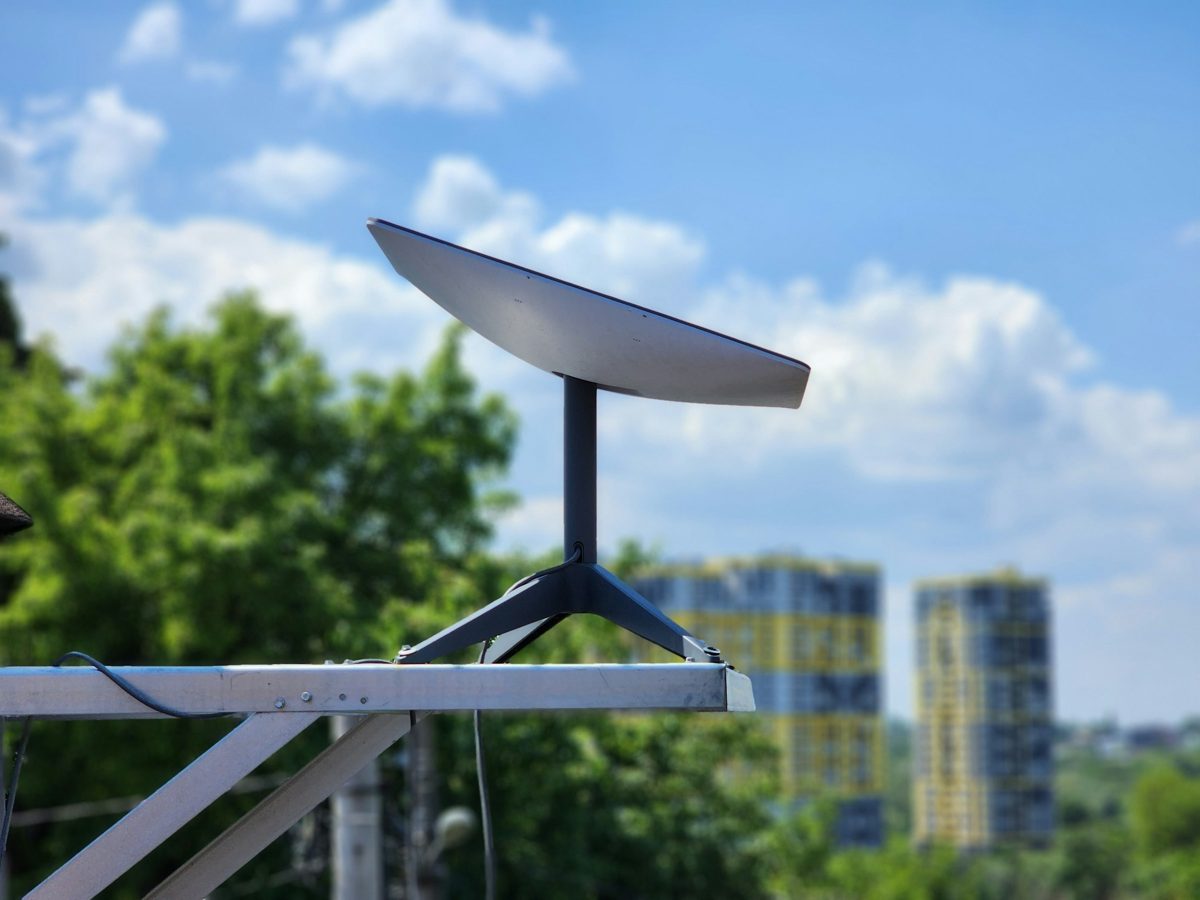
Our regional clients run AVD over fixed wireless NBN, fixed-line NBN, fibre and Starlink. Whatever the link, access goes through the cloud desktop with Conditional Access applied, so the connection type doesn't change the security model.
7. How a move to AVD works
| Step | What happens |
|---|---|
| 1. Discovery | We list your users, sites, applications and data, and how each team works. |
| 2. Design | Host pool sizing, regions, published apps versus full desktops, profile storage and sign-in policy. |
| 3. Build | Golden image, host pools, FSLogix profiles, Conditional Access and Nerdio scaling. |
| 4. Pilot | A small group works on AVD first; we test every line-of-business application. |
| 5. Move | Remaining users move in planned groups, with support on hand. |
| 6. Run | Ongoing monitoring, image updates, scaling and help desk support. |
8. Common questions
Do we need new laptops? Usually not. Windows App runs on Windows, macOS, iOS/iPadOS, Android/ChromeOS and in a web browser, so existing devices can often be kept.
Will our software run on AVD? Most Windows business applications do. We test yours during the pilot before anyone moves.
What happens if a laptop is lost? The desktop and data live in Azure, so the device can be replaced and the user signs in again. Drive and clipboard redirection can also be restricted, so business data isn't copied onto local devices.
Is our data in Australia? We deploy session hosts and profile storage in Australian Azure regions.
DOWNLOAD THIS GUIDE
Take it with you, or share it with your team. Same content, A4 PDF.
- Microsoft Learn: Azure Virtual Desktop prerequisites
- Microsoft Learn: What is Azure Virtual Desktop?
- Microsoft Learn: Publish applications with RemoteApp
- Microsoft Learn: Enforce MFA for Azure Virtual Desktop using Conditional Access
- Microsoft Learn: Microsoft 365 Business Premium security overview
- Microsoft Learn: Remote Desktop network guidance
- Microsoft Learn: Virtual machine states and billing
- Microsoft Learn: Azure regions list
- Microsoft Learn: What is FSLogix?
- Microsoft Learn: What is Windows App?
- Microsoft Learn: Customize RDP properties for a host pool
- Nerdio: Nerdio Manager for MSP