See it in action
Built for the phone first, and just as useful on a desktop. Swipe through the screens.
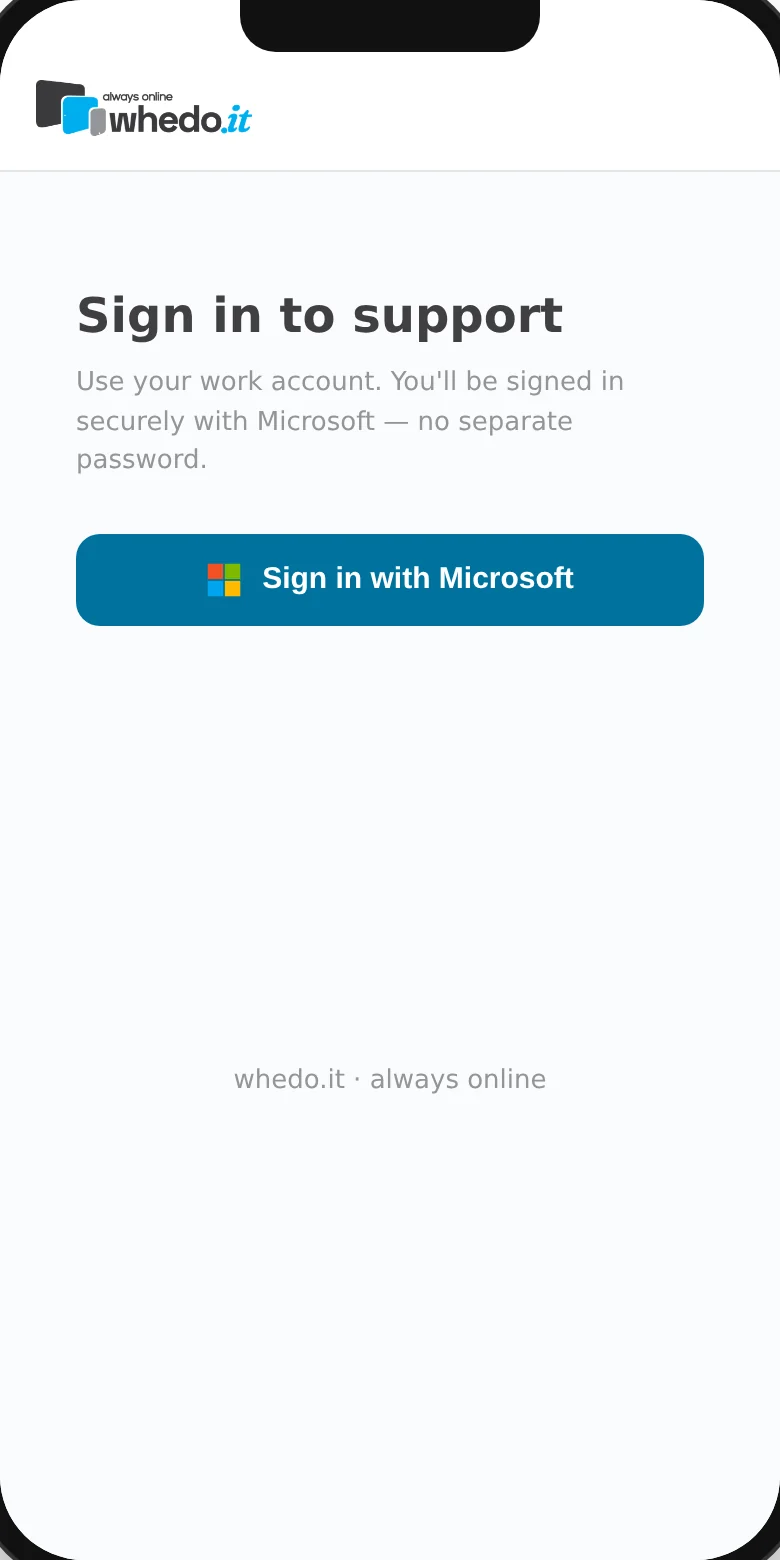
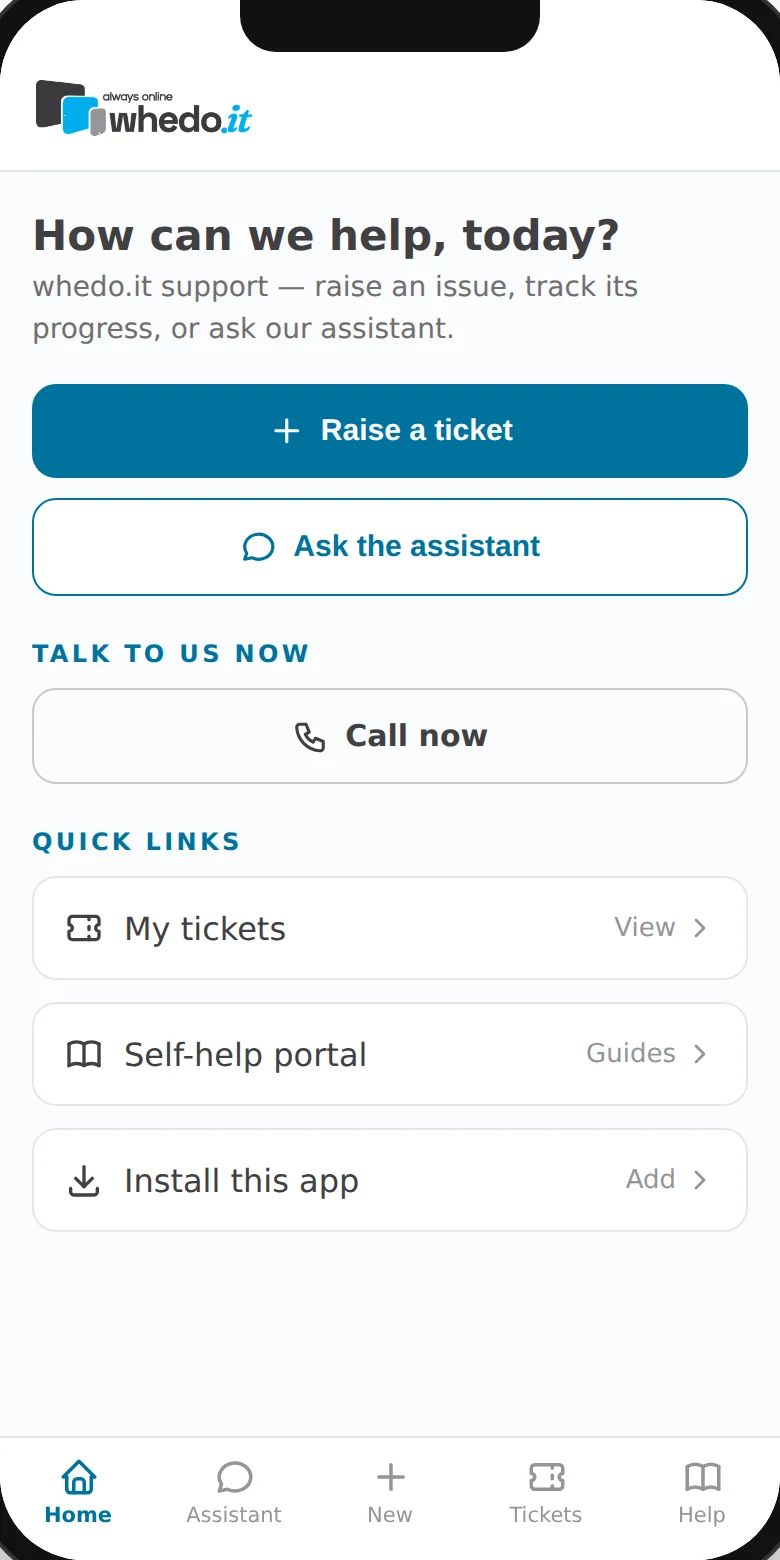
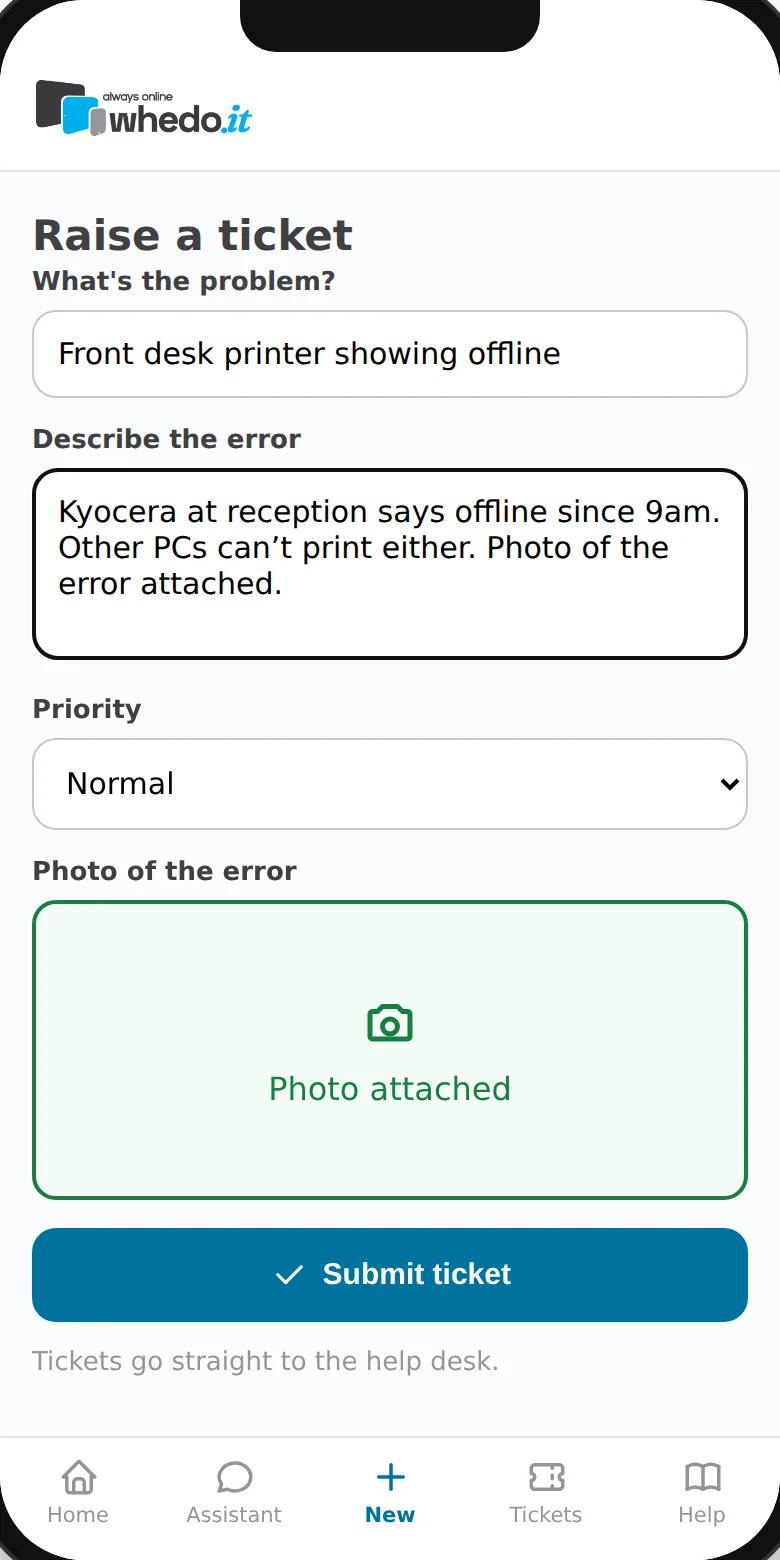
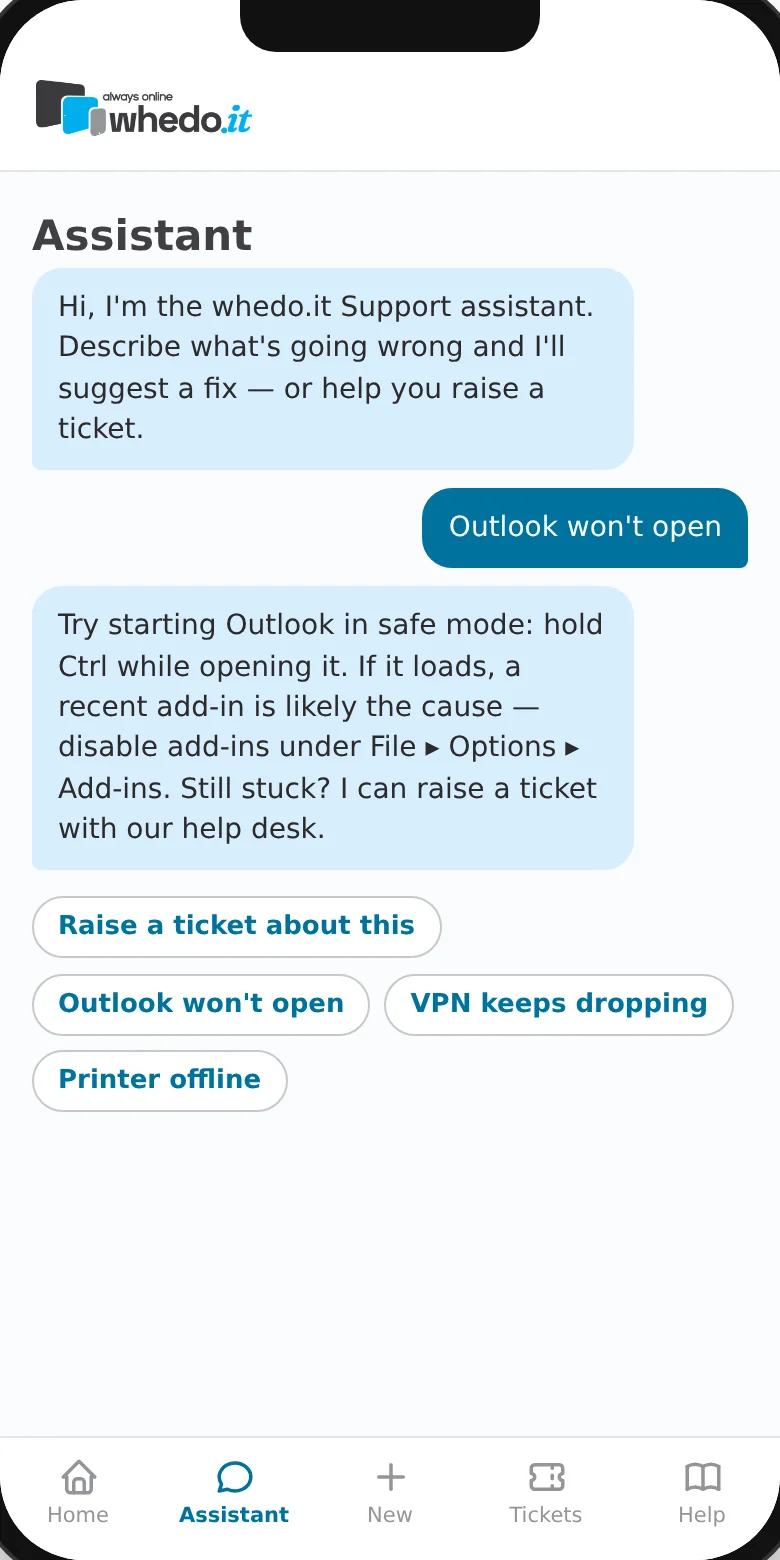
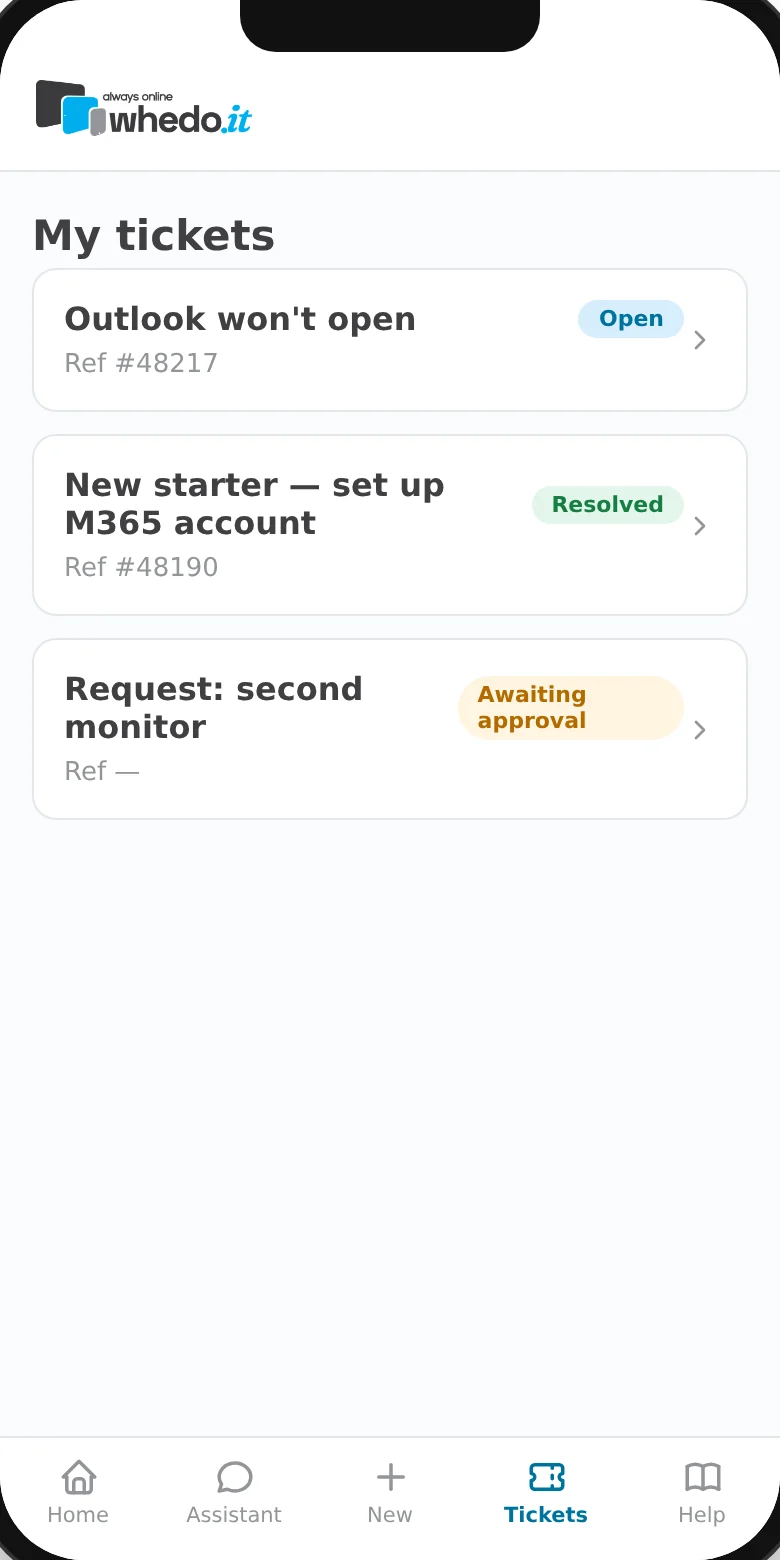
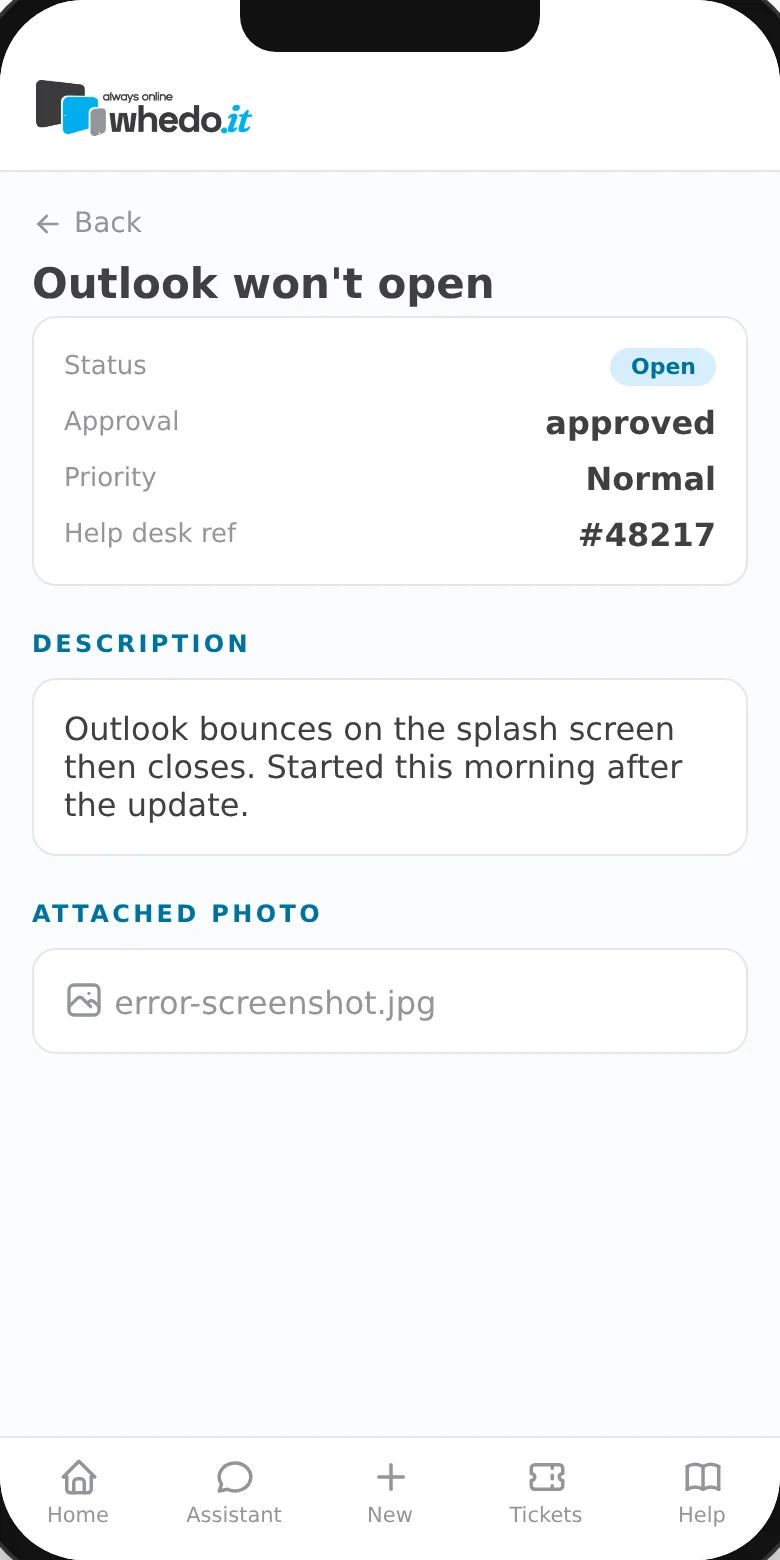
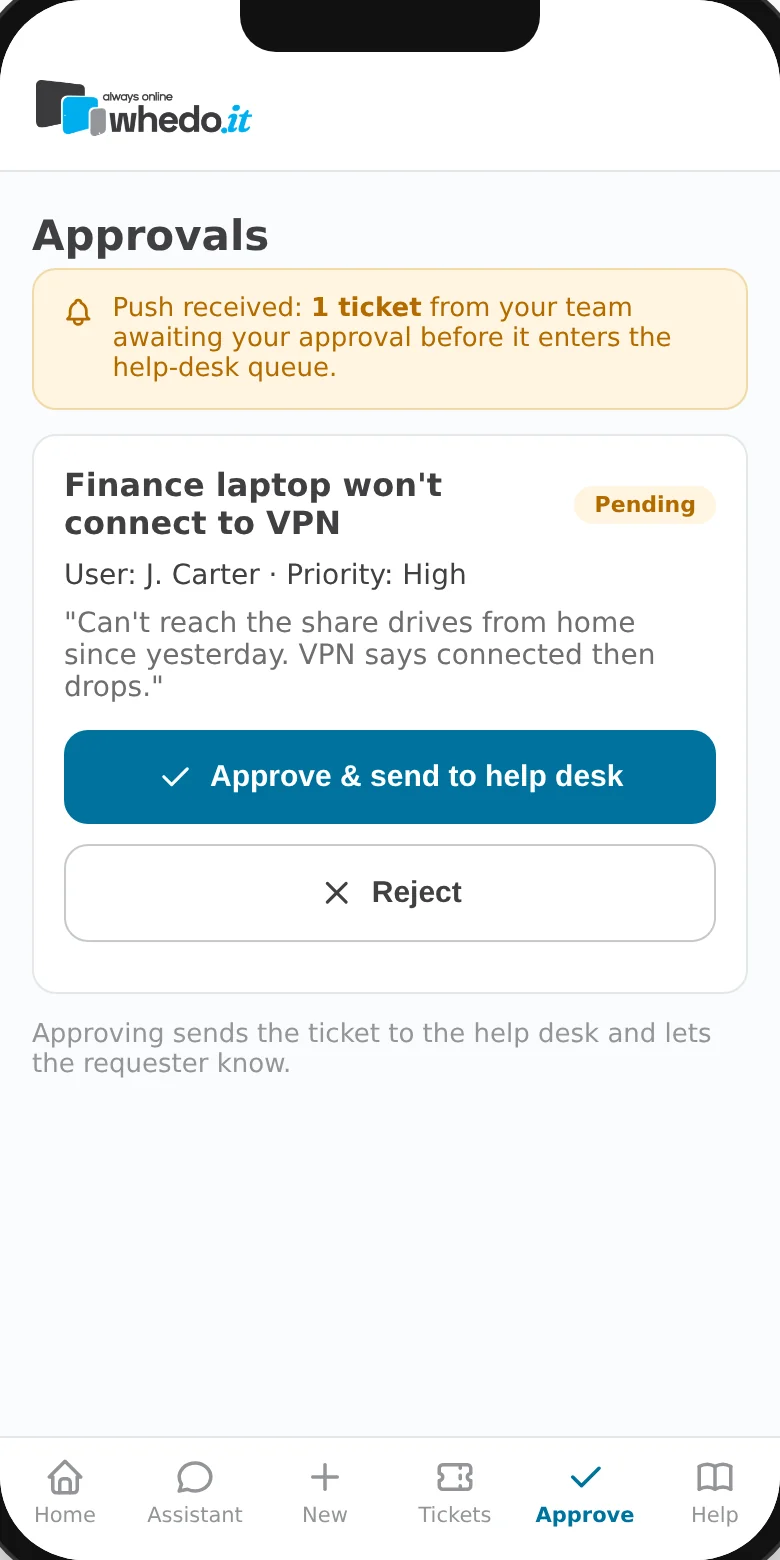
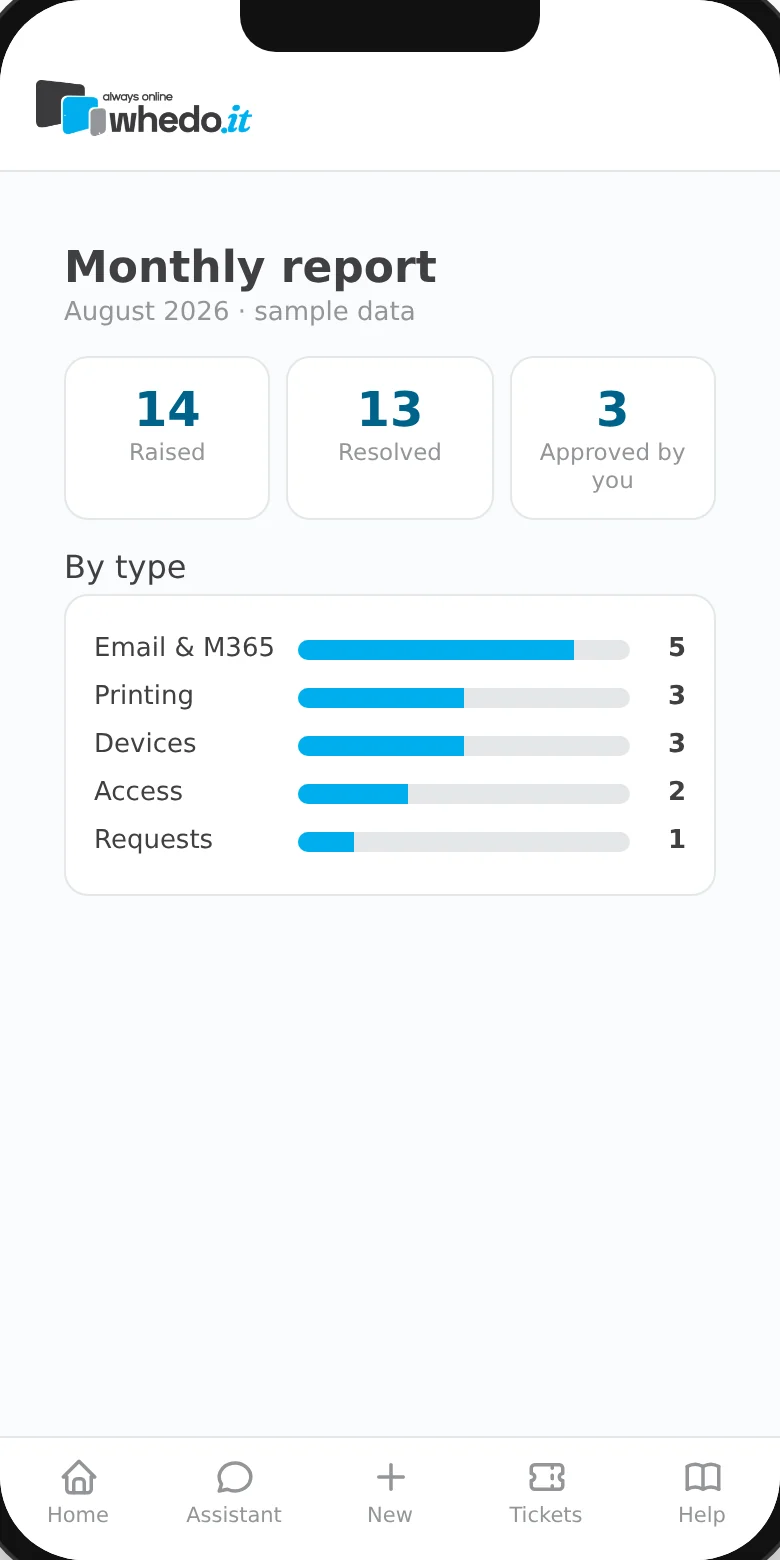
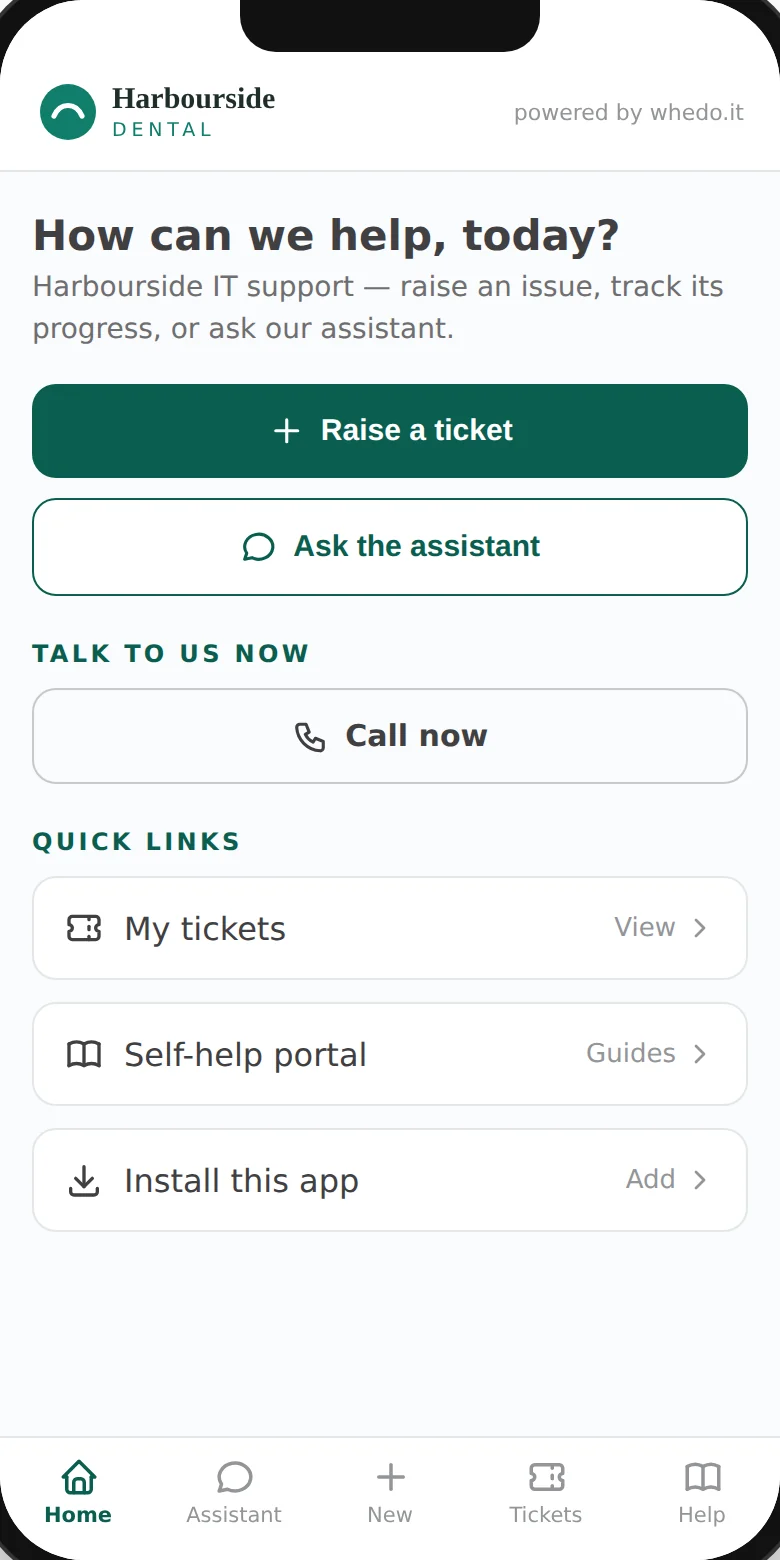
Screens shown with sample data. “Harbourside Dental” is a fictional example of client branding.
Your company’s own help desk. Branded, signed in with Microsoft, built for the phone in your pocket.
Every whedo.it client gets its own support portal at yourcompany.whedoit.support, carrying your logo and colours. Your staff sign in with their Microsoft 365 account and everything is in one place: raise and track tickets, talk to the AI assistant, find self-help, approve requests and see monthly reporting. Atera still does the monitoring and runs the ticket queue behind the scenes. The portal is the front door your people actually use.
Three steps. Most people are raising their first ticket inside a minute.
Go to yourcompany.whedoit.support — or portal.whedoit.support if you can’t remember it. Add it to your phone’s home screen and it opens like an app.
Use your normal work email. Your usual two-factor sign-in applies, and you land in your own company’s portal. No new password.
Log an issue with a photo, follow it through to fixed, reply to the engineer, and — if you’re a manager — approve requests before work starts.
Built for the phone first, and just as useful on a desktop. Swipe through the screens.
Screens shown with sample data. “Harbourside Dental” is a fictional example of client branding.
Everything your staff need to get help, and everything a manager needs to stay across it.
Your logo and colours on your own web address. To your staff it’s your help desk — powered by whedo.it.
Describe the problem, set the priority and attach a photo of the error straight from the phone camera. The engineer gets the full picture first time.
Quick fixes for everyday problems, day or night, and a library of 275+ step-by-step guides. If it can’t be fixed in a minute, it becomes a ticket.
Switch on approval for everything, or just for changes and purchases. Requests wait for a yes before they reach the help desk.
Status, reference number and replies in one thread — no hunting through email chains for the latest update.
What was raised, what was resolved and what was approved, by type — a clear record of the support your business received.
When a remote session is needed it starts with a connect code and an authorisation step, so you always know when someone is on a machine.
One tap to call from the home screen. The portal handles the everyday; the phone is for when the business can’t work.
Security was the starting point, not a feature added later.
Every request has a reference, a status and an owner. No more “did anyone see my email?”
Photo, device and details arrive together, so the first reply is a fix rather than a question.
Managers approve changes and purchases before work starts — no surprises on the invoice.
Monthly reporting and an audit trail show exactly what support you received and who signed off.
It’s yourcompany.whedoit.support — we give you the exact link when you start. If you can’t remember it, go to portal.whedoit.support and sign in; you’ll land in your own company’s portal.
No. Everyone signs in with their existing Microsoft 365 work account, so your usual two-factor sign-in and access policies apply. There’s nothing new to remember or reset.
Yes — it’s built phone-first and works in any modern browser on phone, tablet or desktop. Add it to the home screen and it opens like an app. On an iPhone, notifications need it added to the home screen.
Only people in your company, and whedo.it. Each client’s data is kept separate from every other client’s, and managers can see the tickets for their business.
Yes. Approval can be switched on for your business — for everything, or just for certain request types such as changes and purchases. Nothing reaches the help desk until it’s approved.
Call +61 421 346 887. The portal is for everything else — the phone is for when the business can’t work.
The portal is part of whedo.it managed services. There’s no separate licence for your staff to use it.
Open your company’s portal and sign in with your work account.
Open the client portal →The portal comes with whedo.it managed services. Book a 30-minute call — no deck, no pitch.
A Support Representative will get in touch.
A Support Representative will be in touch the same business day.
No deck, no pitch — walk your environment with a senior Australian practitioner. Confidential by default.
I built this business because I wanted to do managed services properly — for a small number of clients, at a senior level, with the same person on the end of the phone every time. The work is too important and the stakes are too high for anything less.
Behind the formal qualifications: a Cyber Security degree from the University of the Sunshine Coast, currently working on my Master’s, plus a continuous stack of Microsoft, Acronis and Nerdio certifications — the ones that have to be renewed because the threats don’t stay still.
Behind the certifications: thirty years of doing the work. I cut my teeth in consulting, then went to Cisco on the team building the original iPhone — Cisco’s VoIP handset, the trademark Apple later acquired in the 2007 settlement. At TPG in 1999 I sold frame-relay networks when frame-relay was the cutting edge of business connectivity. I built and sold a Sydney-based MSP called Online IT before relocating to Perth.
Three decades of watching what’s actually changed and what hasn’t. The technology has changed almost beyond recognition. The principles haven’t. Identity first. Backup that has actually been tested. A senior practitioner who knows your environment. Calm in an incident. Honest answers when the answer is “no.”
That’s whedo.it. That’s the brief. That’s why long-tenure clients don’t leave.
— Warren Ephron, Director